Torrent File Problems & Solutions
27 May 2026History
I’ve noticed recently that downloads via the .torrent files has been a bit intermittent, and on further investigation have found that the 2 trackers I’ve been using appear to have been having problems. So…. A solution is in progress.
Trackers
I’ve done some research on trackers, and am now going to be using 3 different trackers, and I’ll also be introducing ‘Magnet Links’.
Torrent Files General Info
A .torrent file is a file you can use to download a shared file over the internet. You will need a bit-torrent app. such as;
- transmission, or
- qBittorrent, or
- BiglyBT
For more info on bittorrent, the apps you can use, and general info on the subject, see Wikipedia article at https://en.wikipedia.org/wiki/Comparison_of_BitTorrent_clients
Although I can download and use some of these programmes on my phone, I find it much easier to have a small old raspberry pi computer handling my bittorrent files.
Magnet Links
These are a little time consuming for me to produce, so there will be a gradual introduction of them, starting with the Trike Map, which has been the most popular of late.
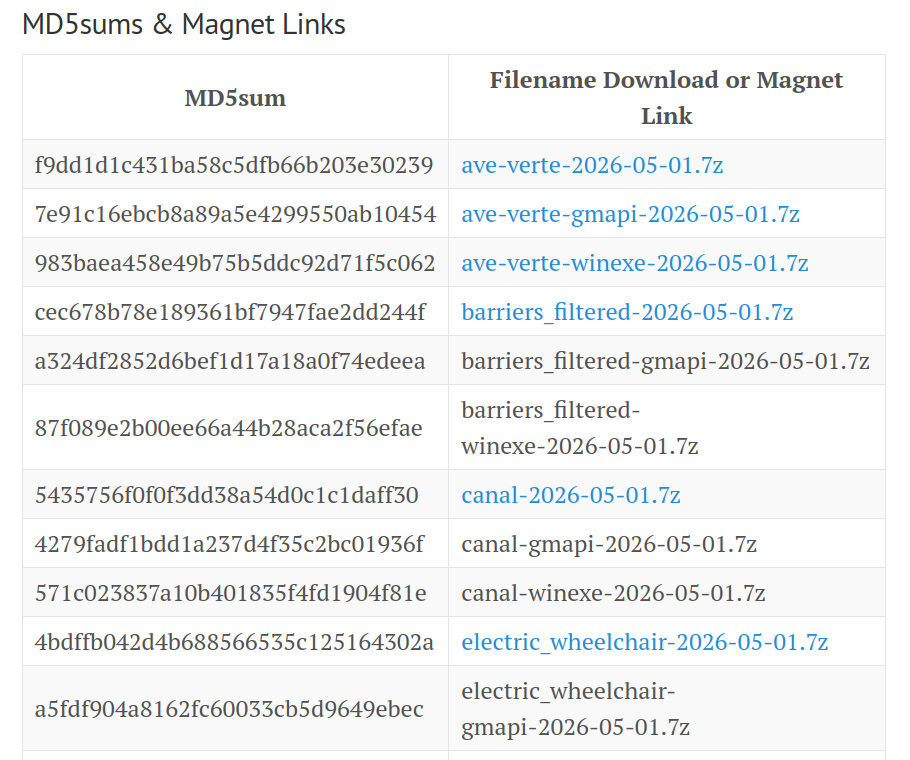
The Table (the one on this page is just a screenshot of the actual one) will appear in all of the Garmin Maps info pages, and if the text is coloured (probably blue) then it’s link you can click. If it’s a gmapi or winexe file then it will need to either be a Magnet Link, or select the torrent from the torrent file downloads. The exception is the Avenue Verte files which are so small that all three are offered as direct downloads (Just download the one you want though please!).
Timescale
The Magnet Links are being created and will appear on the site shortly.
On the 1st of June a new batch of all of the maps will be created using the new trackers, and hopefully over the course of the next day or so I will add the new Magnet Links (This is still very much a manual process until I’ve worked out how to automate it!).
Any problems, please let me know through my profile on OpenStreetMap